Free classifieds Marketplace ▷ Post free ads on Zehads.com

16 Dec
News
2140 views
1 Comment

MacroDroid Application

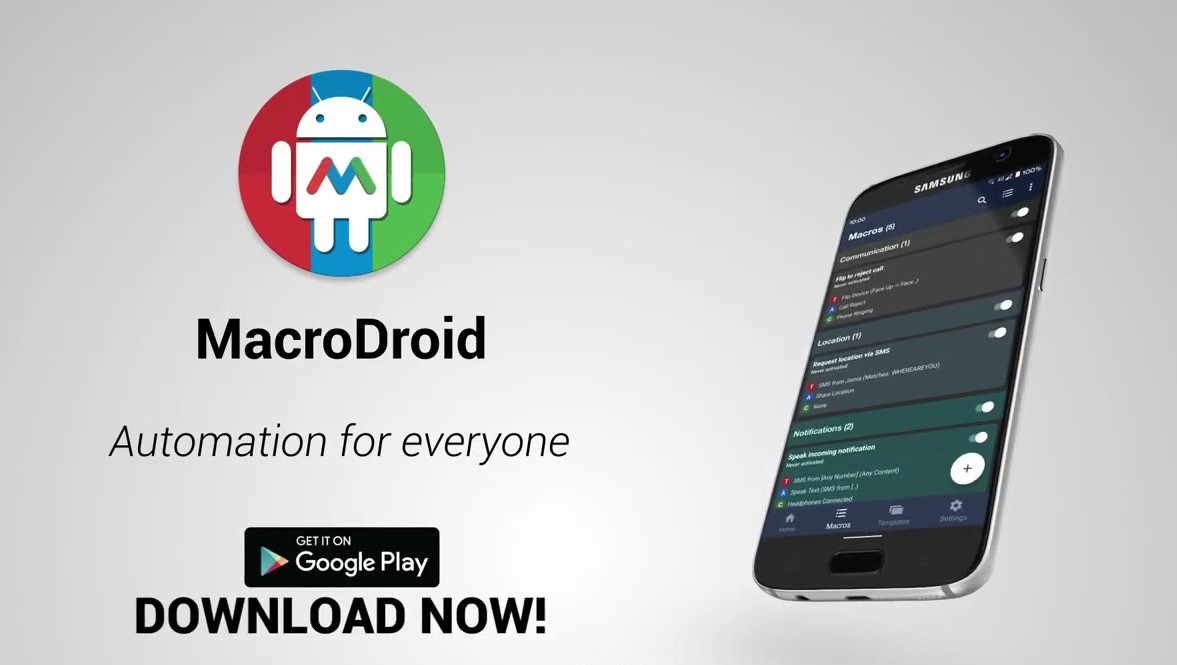
MacroDroid is an application that lets you set up thousands of different macros on your Android device. These macros are basically triggers that activate actions on your device whenever a series of conditions are met.

A good example of a macro that shows you what’s possible with MacroDroid is as follows: when your battery is less than 10%, a trigger is activated that automatically sets your smartphone on airplane mode. In this example, the trigger and action are both very simple, but the customization possibilities are practically infinite.

From MacroDroid’s main window, you can easily access the macro creation tool, which is both simple and intuitive. So you can check the most popular macros created by other users, for example, and possibly find some that are really clever and useful. If you like one, all you have to do is activate it.

MacroDroid is an automation application thanks to which you can complete tons of different tasks automatically and very easily. Unlike other similar applications, setting up macros is very easy. In just a few minutes, you can have several macros activated on your Android device.

Key features of MacroDroid include:

  1. User-Friendly Interface:
    • MacroDroid provides an intuitive and user-friendly interface for creating automation routines.
  2. Macro Triggers:
    • Users can define triggers that initiate the execution of a macro. Triggers include events such as device boot, SMS received, Wi-Fi connected, location changes, and more.
  3. Actions and Constraints:
    • Actions represent the tasks to be automated, while constraints set conditions that must be met for a macro to run. Users can combine multiple actions and constraints to create complex automation sequences.
  4. Pre-built Templates:
    • MacroDroid offers a variety of pre-built templates for common tasks, making it easier for users to get started with automation.
  5. Device Automation:
    • Automation possibilities cover a wide range, including changing settings (such as Wi-Fi, Bluetooth, and volume), sending messages, launching apps, and more.
  6. UI Interaction:
    • Macros can simulate user interactions, allowing for automated interactions with apps and the device’s user interface.
  7. Task Automation:
    • Users can automate tasks such as sending emails, updating social media, or performing actions based on calendar events.
  8. Battery Saver:
    • MacroDroid can be used to optimize battery usage by automating certain power-related settings.
  9. Community and Support:
    • There is an active community of users, and the app receives updates and improvements based on user feedback.
08Jan

Make an appointment

የ Embassy ቀጠሮ እኛ ጋር ያገኛሉ።√ በጥራት Application form እንሞላለን።√ ከ Embassy ጋር በተያያዘ ቅድመ ዝግጅት Guide እናደርጋለን። የ Tourist Visa:- France, Italy, Spain, Belgium, UK , USA , CanadaUK, USA, Canada For all type ...
Continue Reading
Comments (1)
  • author
    temesgn samuel

    itsgude

Leave a Reply

admin help
Admin Help
This panel is only visibile to the Administrator, You can turn it off by following here